Background image position
Description
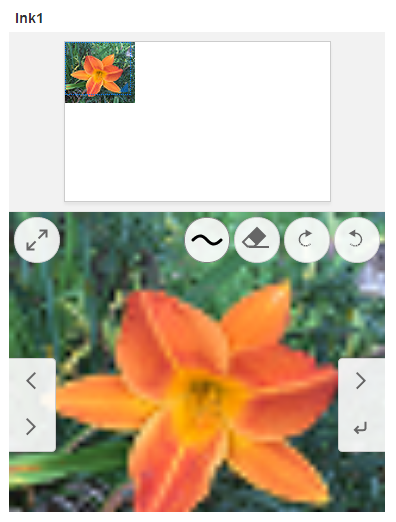
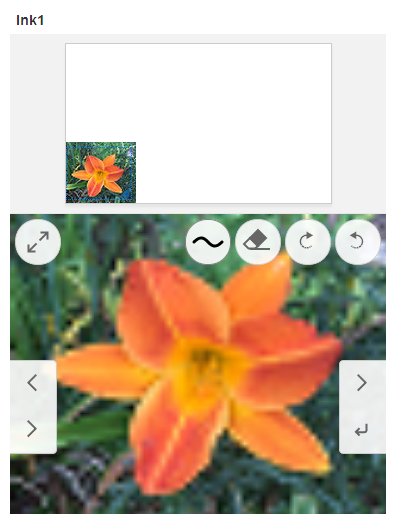
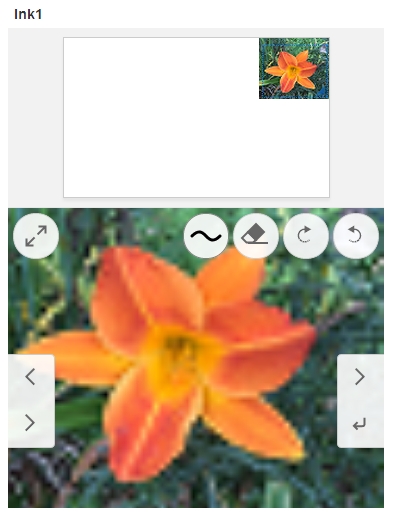
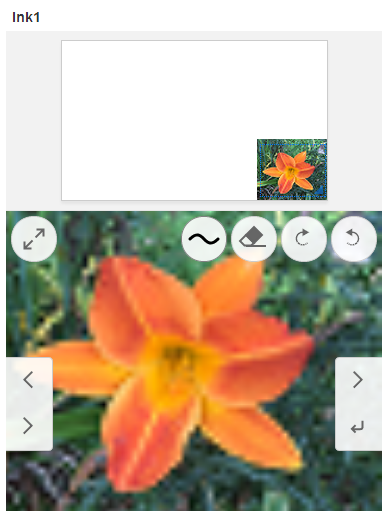
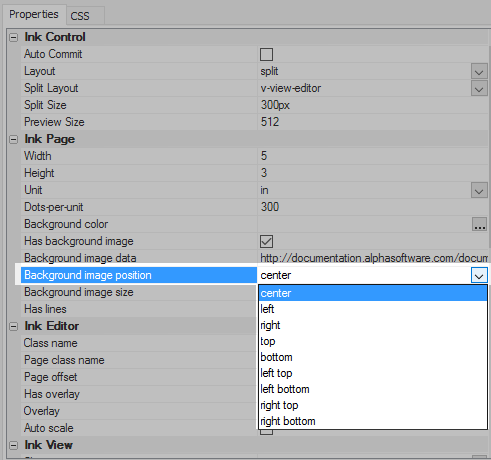
Once an image is defined in the Background image data property, the position of the image can be manipulated using 'Background image position'. There are a number of options for positioning an image.
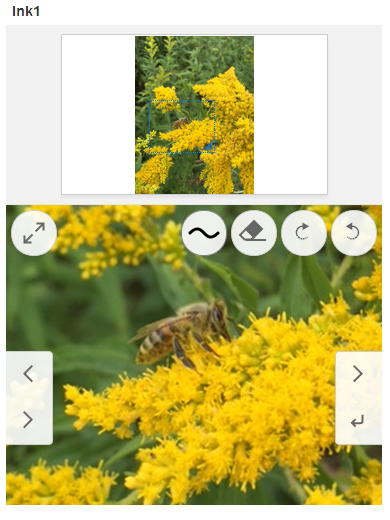
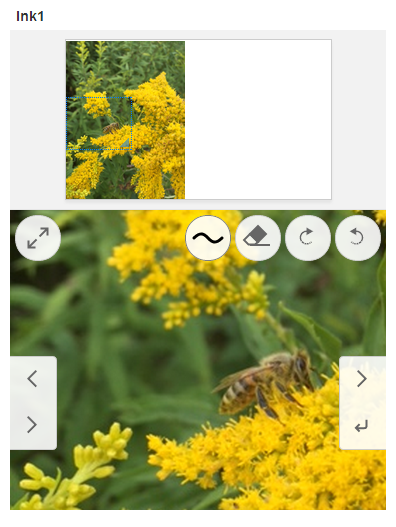
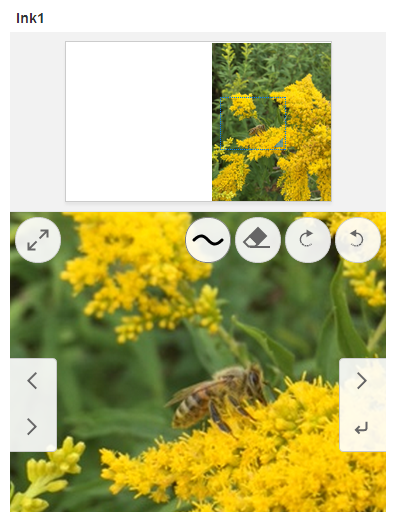
The 'center', 'left', and 'right' positions work well with images taken in portrait mode.
For images taken in landscape mode the 'top' and 'bottom' position settings can be useful
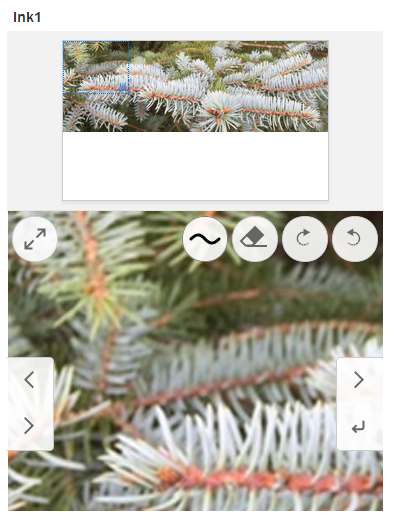
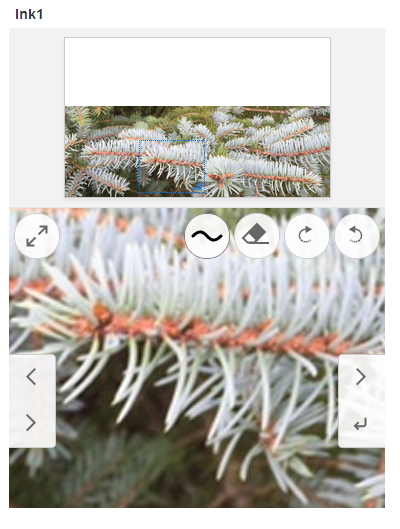
For images that are smaller than the size of the control view, in both the x and y axis, several combined poistioning settings can be used. In order to prevent the image from being expanded try setting the Background image size, to something like "300,200". If the 'Background image size' is set to 'contain' then it will fill the ink control to some degree.